What Is Alert Fatigue and How Can HR Reduce It?
If your people feel constantly pinged, prompted, and pressured, you’re not imagining it. Alert fatigue happens when employees face so many notifications that they start to tune them out, delay responses, or disengage.
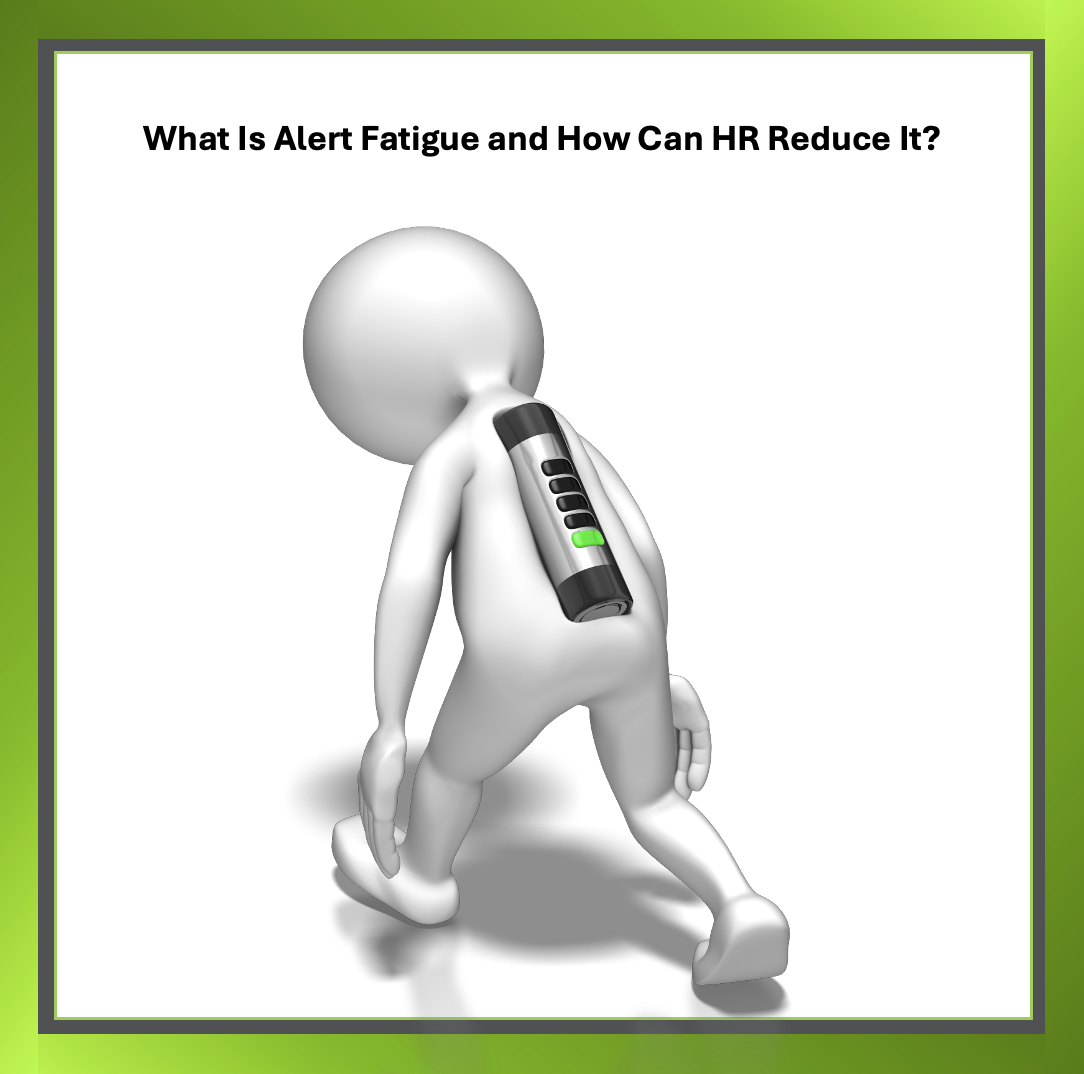
Alert fatigue can overwhelm employees
In IT and security teams, this can mean hundreds of system alerts per day. But in HR and across the wider workforce it often looks different: Slack pings, email flags, compliance reminders, performance nudges, and other prompts that never quite stop. If everything is urgent, then nothing truly is.
Recent reporting also highlights the real-world impact. According to TechRadar Pro, repeated warnings can desensitise teams and lead to missed critical alerts. TechRadar reporting found that three in four UK IT teams experienced outages in 2025 due to missed alerts, and more than half said false alerts harmed morale.
When alerts become noise, stress rises, trust in systems drops, and performance suffers, eventually creating pressure on managers and HR teams to “do something.”
Why Alert Fatigue Is an HR Issue
Alert fatigue may sound technical, but HR often sees the fallout first.
When employees feel digitally overwhelmed, wellbeing declines. Research highlighted by TechRadar Pro found that 41% of workers report stress or anxiety from notification overload, and 12% have taken sick leave due to workplace technology stress. If HR ignores the noise, burnout follows. But when HR addresses it strategically, morale and retention improve.
Alert fatigue isn’t purely an IT problem or just a productivity issue. It sits at the intersection of culture, tooling, and expectations. Organisations either keep adding systems or they rethink how attention is managed and measured.
Practical Ways HR Can Reduce Alert Noise
Reducing alert fatigue doesn’t mean removing technology. It means aligning systems with human limits.
1) Start with the basics
- Consolidate overlapping systems to reduce duplicate notifications
- Introduce priority tiers so critical alerts stand apart from routine updates
- Establish quiet hours to protect focused work and recovery time
2) Refine escalation paths
If an alert isn’t acknowledged, it should route automatically to the right person instead of broadcasting to everyone. This protects attention and reinforces accountability without creating “alert storms” across teams.
3) Use automation thoughtfully
Automation can help when designed for clarity, not volume. By creating deliberate automated workflows especially for security-related or high-volume processes organisations can:
- reduce manual triage
- standardise incident handling
- build audit trails that support HR policies
That means employees spend less time sorting signal from noise and more time on meaningful work. The result is often improved productivity and stronger confidence in systems.
Supporting this approach, IBM Research shows that dynamic alert suppression can significantly cut false alarms in high-volume environments. If systems filter intelligently, people can focus intelligently.
Designing a Calmer Digital Workplace
HR doesn’t need to eliminate alerts entirely. The goal is balance: systems should flag real risks while respecting cognitive limits.
If organisations treat attention as finite, then policies, tools, and culture align more naturally. HR should ask:
Are your alerts helping people act, or just asking them to react?
What would change if you created fewer but better alerts that shaped the day more intentionally?
At Tick HR Solutions, we help organisations bring clarity to people and process so the digital workplace supports performance, wellbeing, and retention, rather than overwhelming teams with constant notifications.